 Get a Quote
"We'll send you the IES file" is standard language in project lighting. If your next question is "great — what's an IES file?", this guide is for you. Photometric documents look intimidating but reduce to a handful of numbers that decide whether a warehouse actually hits its lux target. Here is what each piece means and when to insist on a full DIALux simulation.
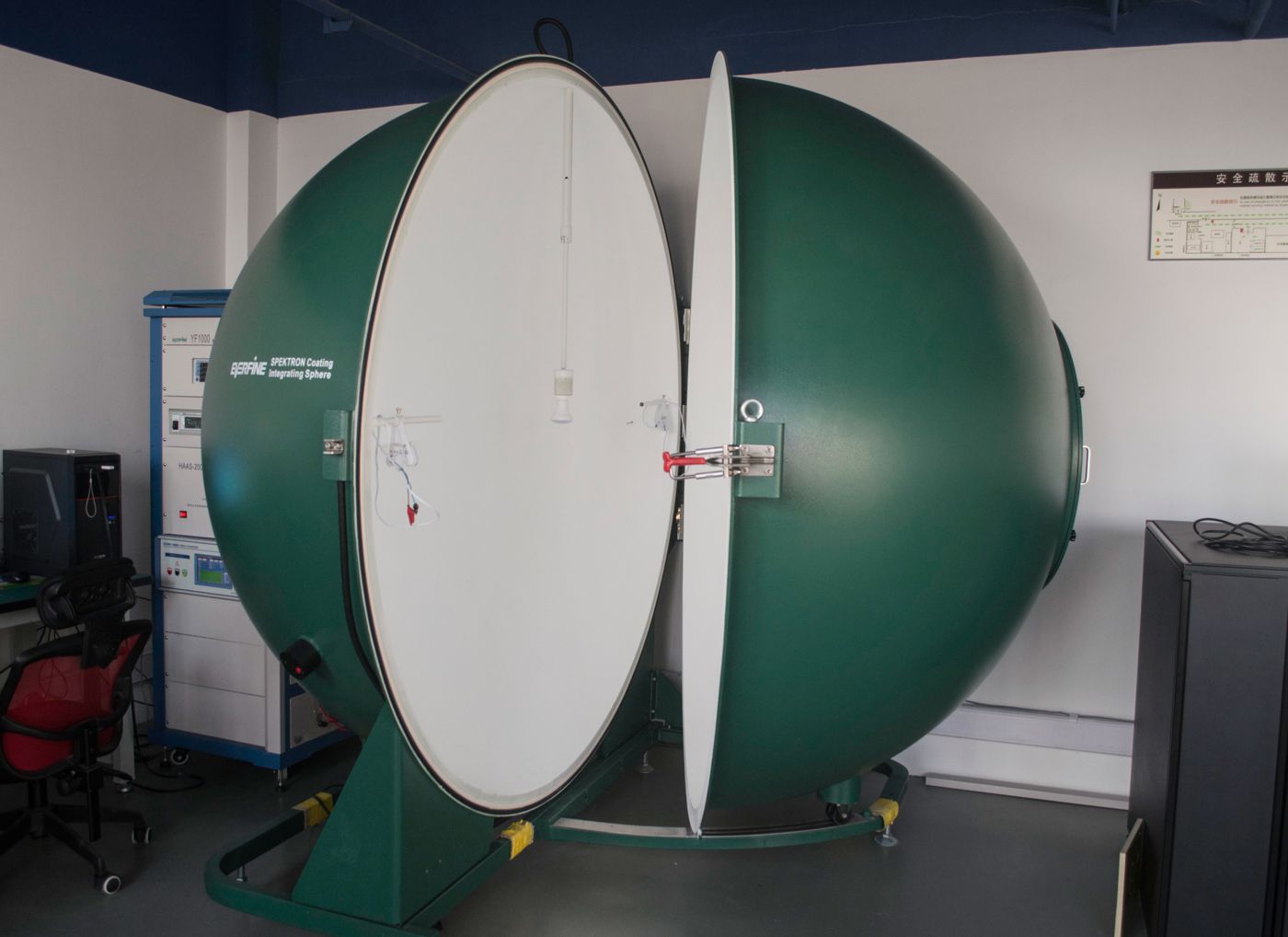
An IES (or EULUMDAT) file is the measured light distribution of one specific luminaire, recorded in a goniophotometer. It is not a brochure figure — it is a text file containing thousands of candela measurements across angles, usually taken by an accredited lab per IES LM-79 (whole-fixture testing). Everything downstream — lux calculations, UGR, lighting designs — reads from this file.
Key point for buyers: the IES file must match the exact configuration you buy. A file generated for the 4000 K, clear-diffuser, 60° optic version tells you little about the 5000 K opal 90° version you actually ordered. Ask for the file that corresponds to your ordered variant, with the LM-79 report to back it.
A DIALux (or Relux/AGi32) calculation takes the IES files plus your room — dimensions, mounting height, reflectances, racking layout — and outputs the lux distribution your project will actually see. This is where theory meets the building:
Rule of thumb: for simple retrofits with one fixture type at standard mounting heights, the supplier's spacing tables are adequate. For new builds, tenders, sports facilities, or anything where payment depends on hitting a lux figure — run the simulation before ordering. Changing a layout on paper costs minutes; relamping a warehouse costs a fortune.
For bid-stage work we supply measured IES files per model and run DIALux checks on your layouts — free with a project inquiry. Send the floor plan or rack layout with mounting heights, and you receive a calculation report you can attach to your own quotation.
Two file formats for the same data — IES is the North American convention, LDT/EULUMDAT the European one. Modern software reads both. Ask for whichever your designer prefers.
Yes — output degrades and the IES reflects new-fixture performance (see our article on L70 lumen maintenance). For maintenance-factor planning, designers typically apply a 0.8–0.9 depreciation factor depending on environment and cleaning regime.
Basic sanity checks, yes: open the IES in any free viewer (e.g., a photometric viewer online) and compare total lumens and beam shape with the datasheet. Deep verification — goniometer setup, temperature conditions — requires the original LM-79 report, which is why we supply it with the file.
Floor plan + mounting height in, calculation report out — free with any project inquiry.